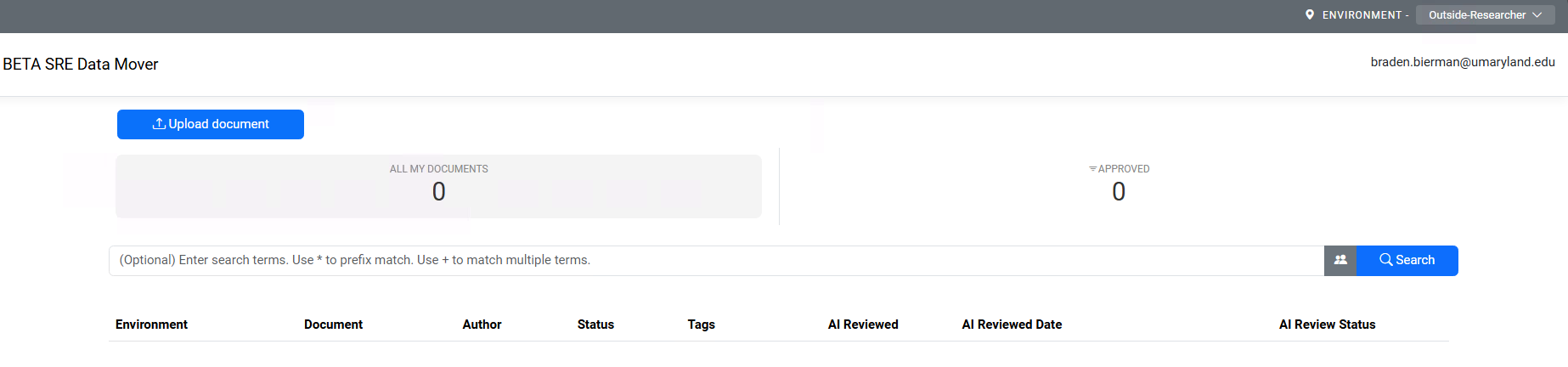


About DataMover
DataMover is a UMB tool that helps move files into and out of the Secure Research Environment (SRE). It was developed in collaboration with UMB’s SRE IT team and Microsoft.
When files are moved out of the SRE, DataMover scans them for protected health information (PHI) and personally identifiable information (PII). If PHI or PII is found, the file is flagged and the transfer is paused. The user can review the finding and provide a justification if the file should still be moved. The Research Informatics Core (RIC) then reviews the request and makes the final decision.
Files moved into the SRE are not scanned for sensitive information during the DataMover ingress process.
Move Files Into the SRE
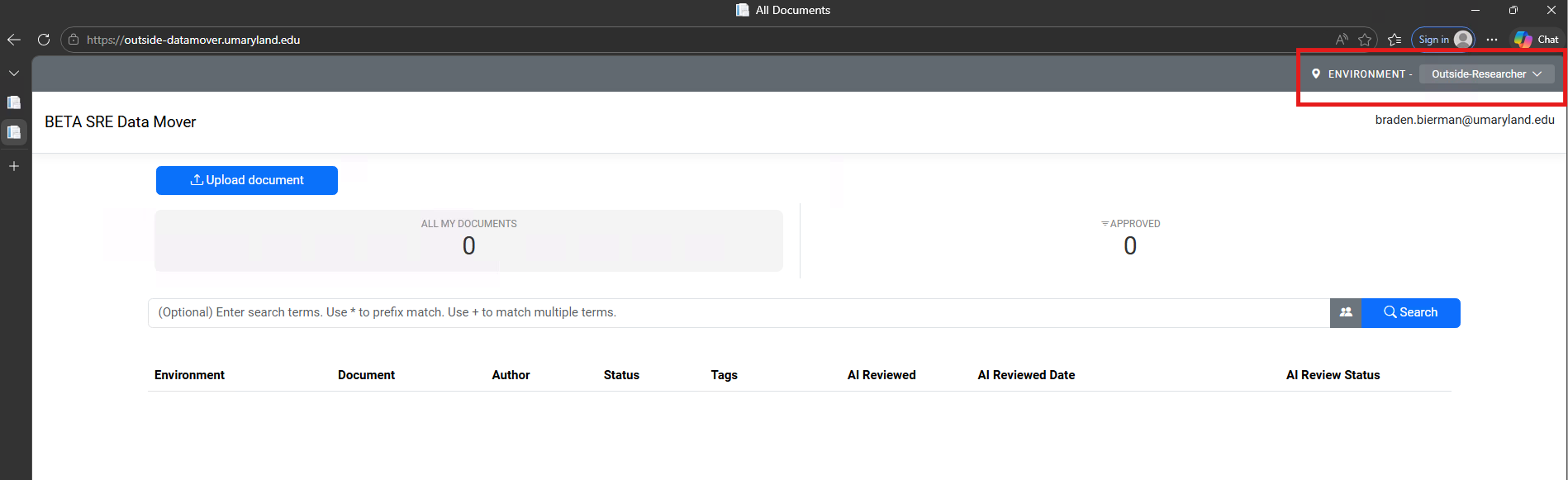
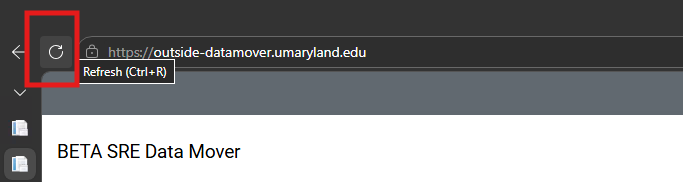
- Go to the DataMover outside site: https://outside-datamover.umaryland.edu/.
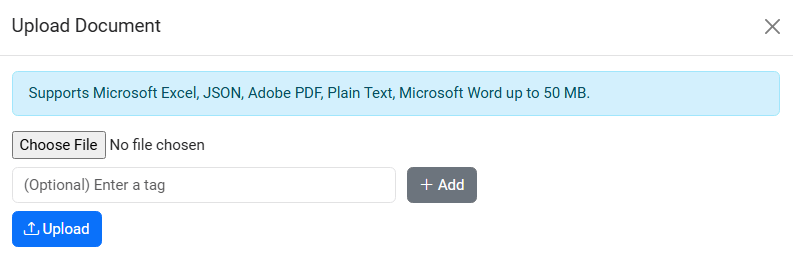
- Upload the file you want to move into the SRE.
- After the file is approved, log in to the SRE.
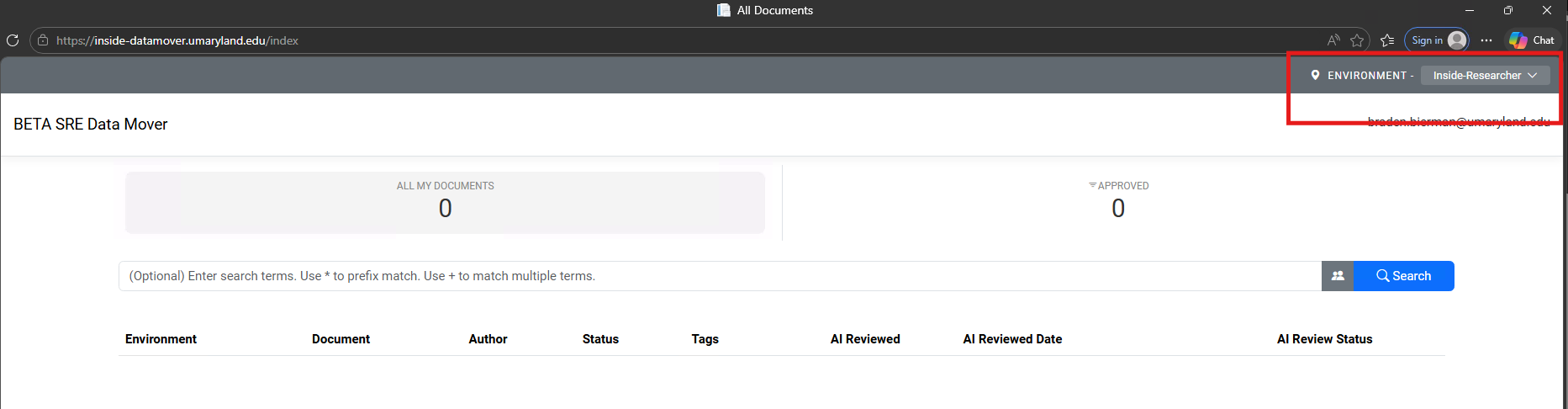
- Go to the DataMover inside site: https://inside-datamover.umaryland.edu/.
- Download the file to your SRE project. The automated approval process may take up to 15 minutes.
Move Files Out of the SRE
- From inside the SRE, go to the DataMover inside site: https://inside-datamover.umaryland.edu/.
- Upload the file you want to move out of the SRE.
- If the file is approved, go to the DataMover outside site from your local computer: https://outside-datamover.umaryland.edu/.
- Download the approved file.
If a File Is Flagged
If DataMover flags a file for possible PHI or PII, the transfer will pause. Review the finding and provide a justification if the file should still be moved out of the SRE. The RIC will review the request and make the final decision.
If you need help, contact sre-support@umaryland.edu.
Detailed instructions are available below.