Digital Accessibility in Classes and Student Life
Students and visitors help make UMB’s digital environment inclusive. When you create or share content, taking simple steps to make it accessible ensures that everyone can participate fully, including those using assistive technologies.
Examples of Student or Visitor Content
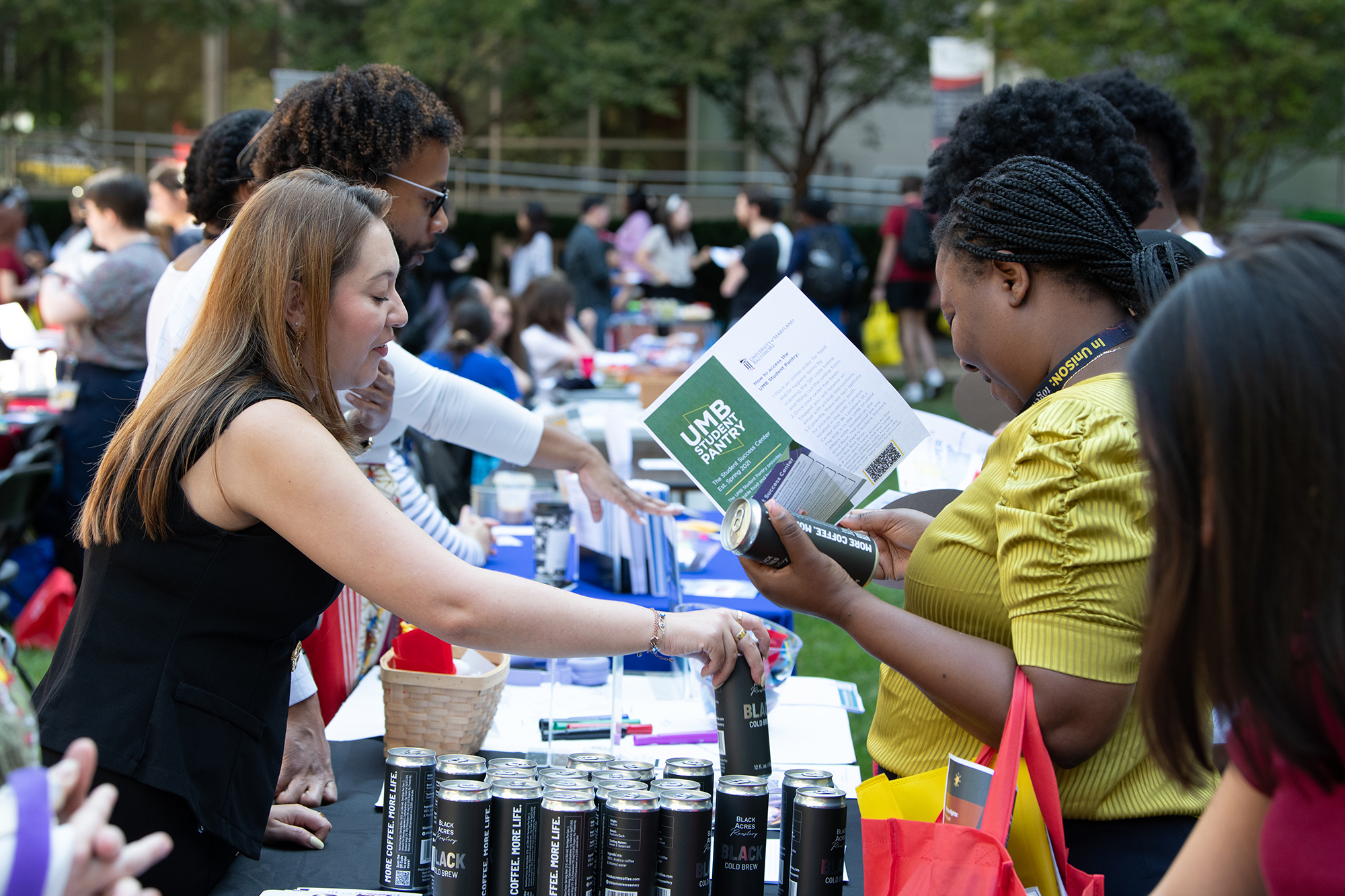
Accessibility applies to content you create, post, or share, including:
- Presentations, slides, and discussion posts shared in courses
- Videos or audio recordings for assignments or projects
- Flyers, graphics, and social media posts for student organizations or events
- Documents, PDFs, and infographics uploaded to myUMB or department sites
- Announcements or instructional posts if assisting as a TA or grader
Taking simple steps to make these items accessible ensures that all members of the community can participate fully.