Digital Accessibility in Teaching and Learning
Faculty play an important role in ensuring that all students have equitable access to learning. Digital accessibility means creating course materials, technologies, and communications that can be used by all students, including those with disabilities and those using assistive technologies.
Accessible teaching supports inclusive learning and reflects UMB’s commitment to equity and academic excellence.
What Counts as Digital Content in Your Courses?
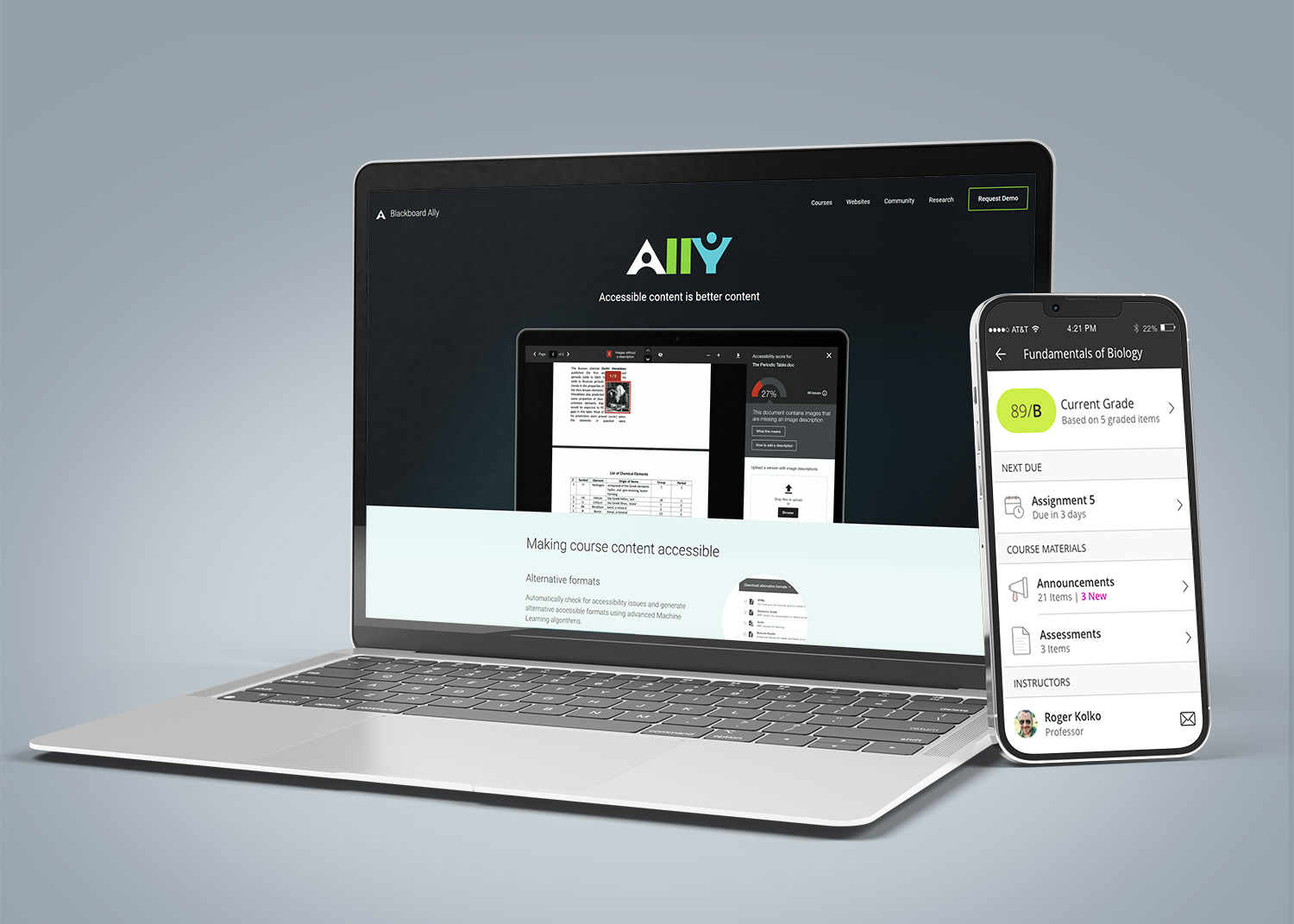
In a teaching and learning context, digital content includes:
- Blackboard content (pages, announcements, assignments, assessments)
- Documents (Word, PowerPoint, PDFs, spreadsheets)
- Media (video, audio, images, animations)
- Educational technologies and third-party tools
- Third-party web content (links to online articles, blog sites, streaming videos)
- Electronic communications related to course participation
- Student-generated content used by others to participate in the course
If students must use it to engage in your course, it should be accessible.
Faculty Responsibilities
Faculty are responsible for the accessibility of the digital content they create or provide to students. Small, intentional steps can make a meaningful difference.
Key actions include:
- Reviewing course materials for accessibility
- Applying accessibility best practices when creating content
- Addressing accessibility proactively rather than remediating
- Using built-in accessibility checkers
- Continuing to develop skills and expertise
Guidance, Training, and Support
You do not need to do everything at once, and you do not need to do it alone. Use the resources below to find guidance based on what you’re working on.