


Digital Accessibility in Administrative Work
Staff across UMB — including administrative staff, communications teams, and those who create or maintain UMB websites and digital content — play a key role in ensuring that digital content is usable by all audiences. This means considering accessibility whenever you create, update, or share content, whether on websites, in documents, through media, or via communications tools.
Your work affects students, faculty, and the public, and small, intentional steps make a meaningful difference.
Types of Content You May Handle
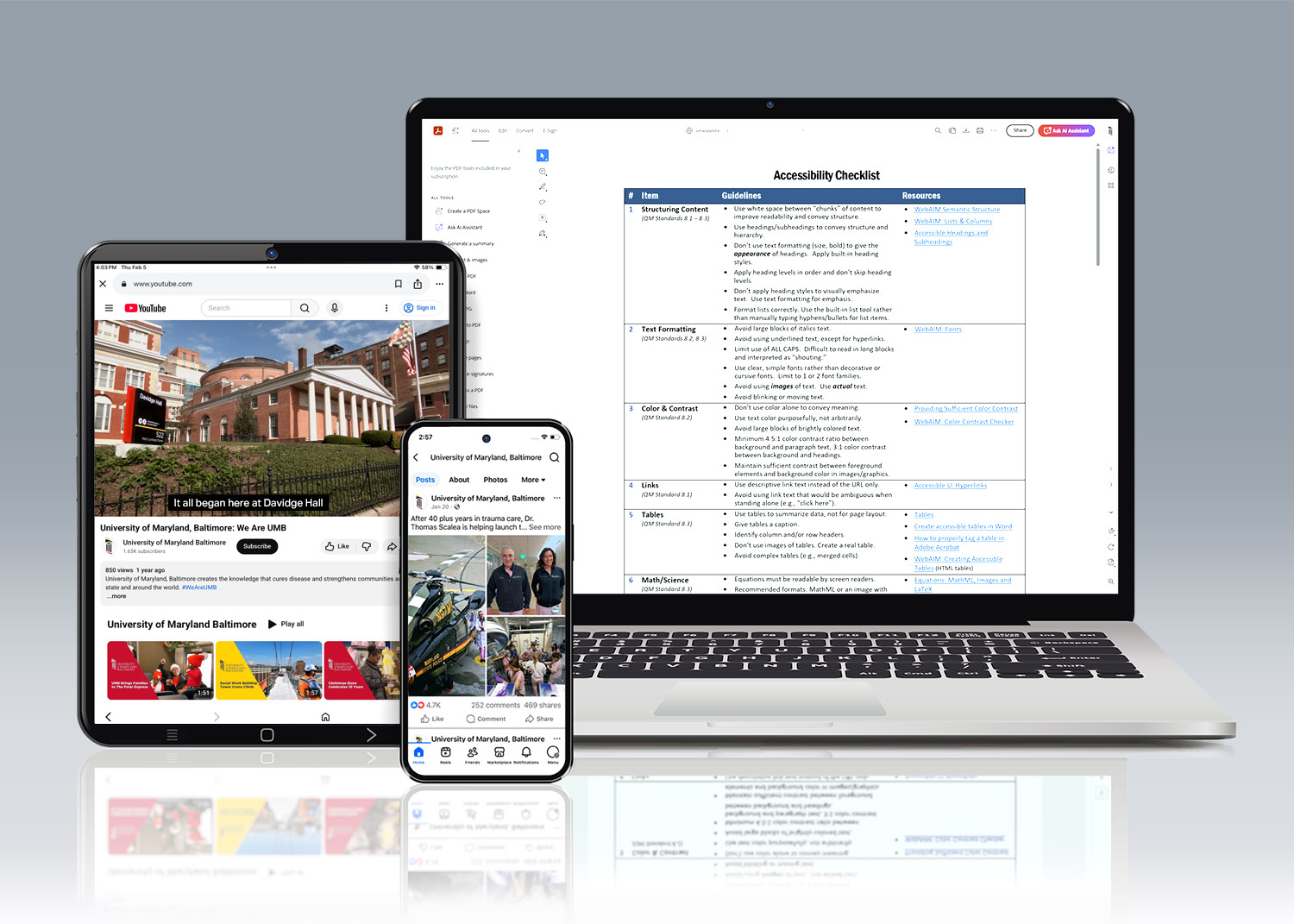
Staff responsibilities often include managing content such as:
- Websites and public-facing pages (department pages, announcements, forms)
- Documents (Word, PDFs, spreadsheets, reports, guides)
- Electronic communications (emails, newsletters, notices)
- Media (images, video, audio, recordings of events)
- Forms and data collection tools (registrations, surveys, applications)
- Social media (official posts or engagement platforms)
- Third-party tools and platforms (event systems, survey tools, scheduling platforms)
If the public, students, or faculty rely on it to access services or information, accessibility should be addressed.