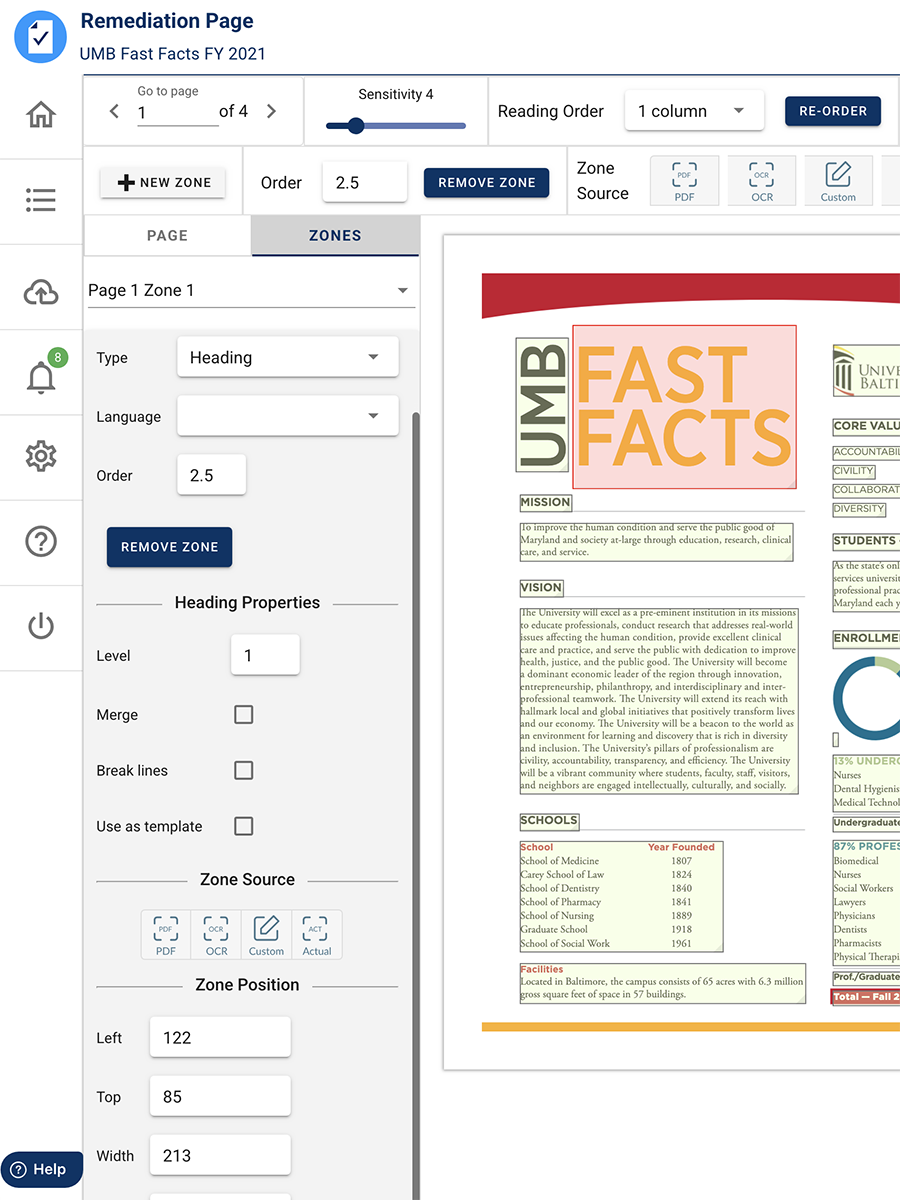
Equidox is a PDF accessibility platform designed to quickly convert inaccessible PDFs into formats compliant with WCAG, ADA, and Section 508 standards. It automates much of the work involved in tagging text, images, lists, and tables using smart detection tools, with the aim of reducing the manual effort and learning curve typically required for remediation.
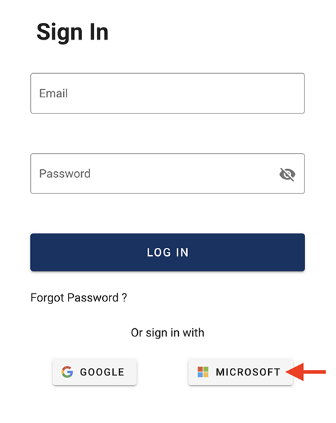
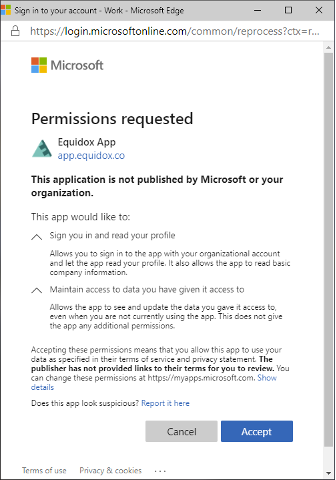
This software is available to UMB employees as part of your Office365 account, using the login instructions below.